A smart plug needs a specific, compatible job
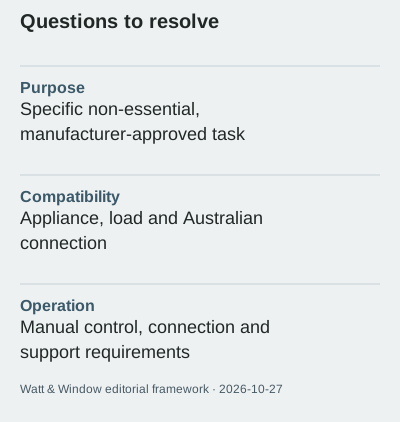
Define the intended task and confirm the appliance, connection and control requirements before buying a smart plug.
Updated:
Name the task before the accessory
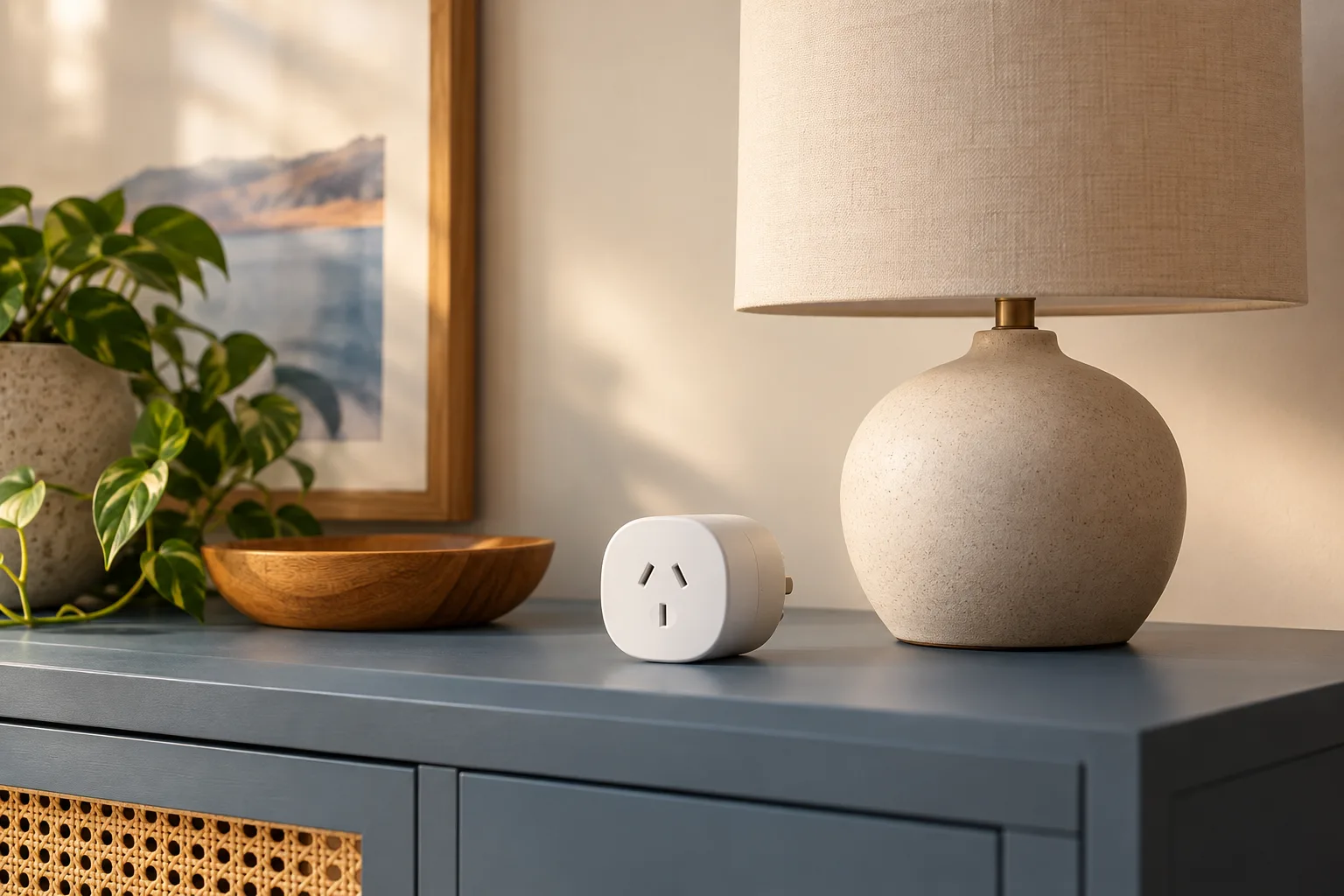
A smart plug should have a clearly defined job. Write what you want to control or observe and why the existing arrangement is inadequate. A vague wish to save energy does not establish that an appliance should be switched automatically. Australian Government appliance guidance treats standby and controls as topics to consider, while smart-home guidance discusses connected functions. Neither source makes every device suitable for an added switch. Essential equipment, refrigeration and devices that require continuous operation should not be casually included in an automation experiment. Follow the exact equipment instructions and seek advice where suitability is unclear.
Check both sides of the connection
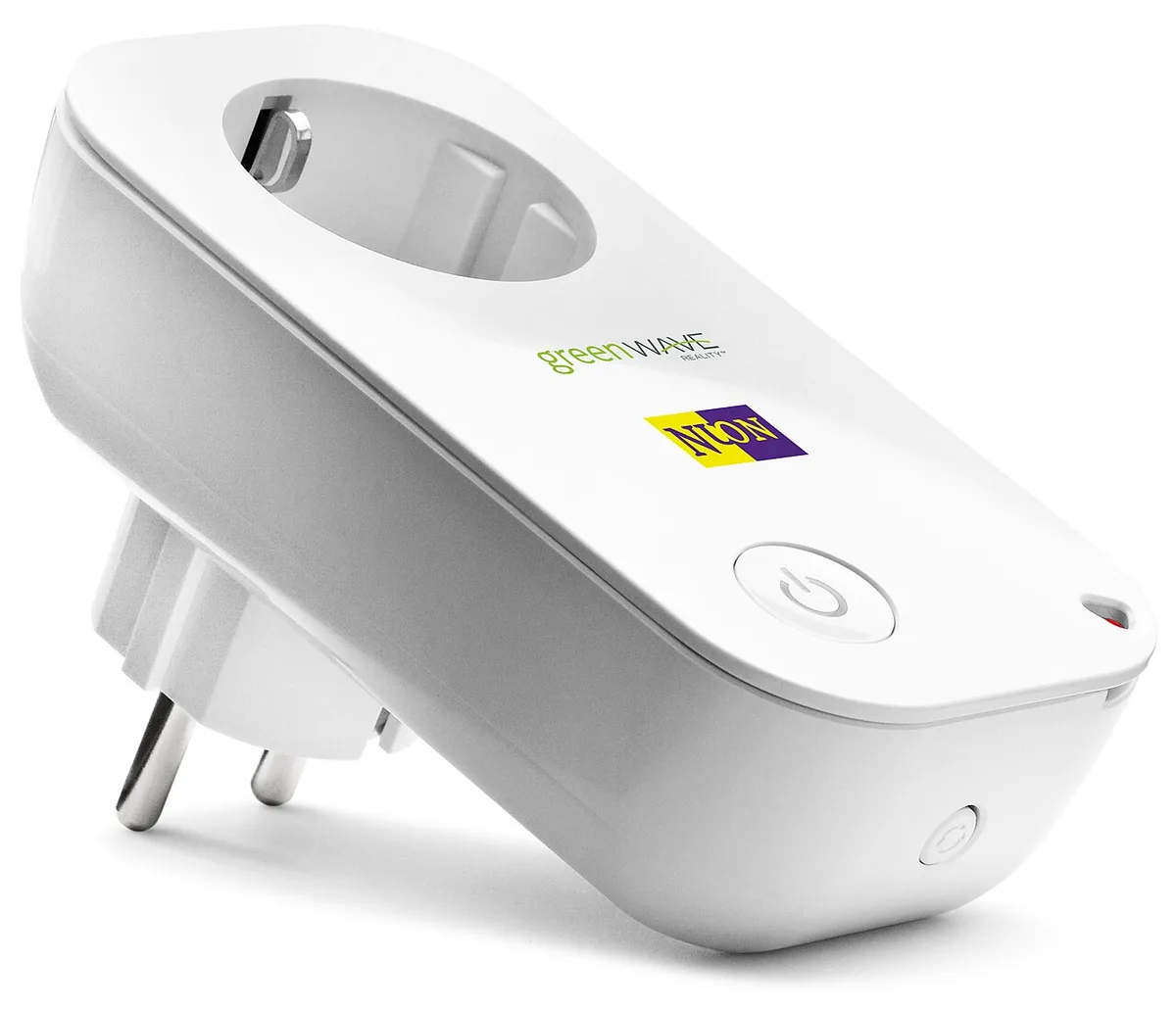
The smart plug and the appliance each have requirements. Confirm the exact models, permitted loads, intended environment and Australian market suitability using current manufacturer information. The real photograph shows a European-format socket, making the physical difference visible. It is not a product recommendation for Australia or an invitation to solve compatibility with an adaptor. Do not infer electrical suitability from a similar shape, a marketplace keyword or a promotional image. If the documentation does not clearly support the intended use, leave the proposed task unresolved rather than testing it by trial and error.
Make a shortlist that can exclude devices
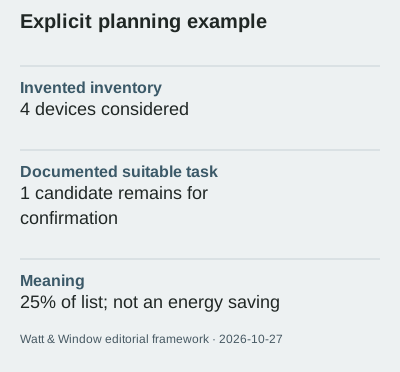
Imagine an inventory of 4 devices. After checking their purpose and documentation, only 1 remains a possible candidate for further confirmation. That is 25% of the list, not a 25% reduction in electricity use. The other devices have not failed a performance test; they simply do not belong in the same proposed task. Keep the reasons visible, such as continuous operation, unsupported control or insufficient information. A useful selection process can reduce the number of products you need to buy, rather than treating every available socket as an opportunity for another accessory.
Separate switching from monitoring
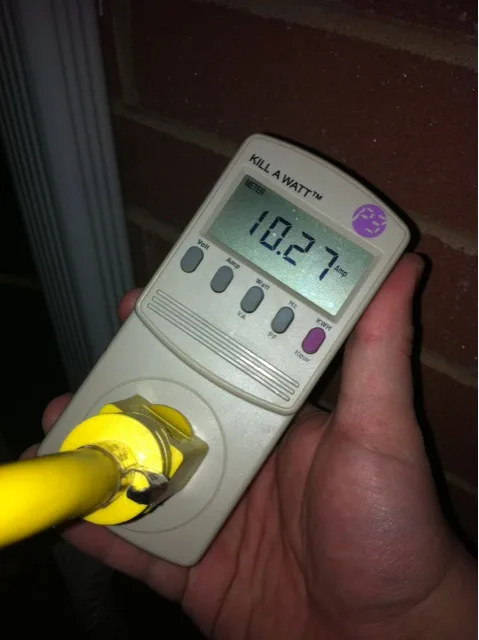
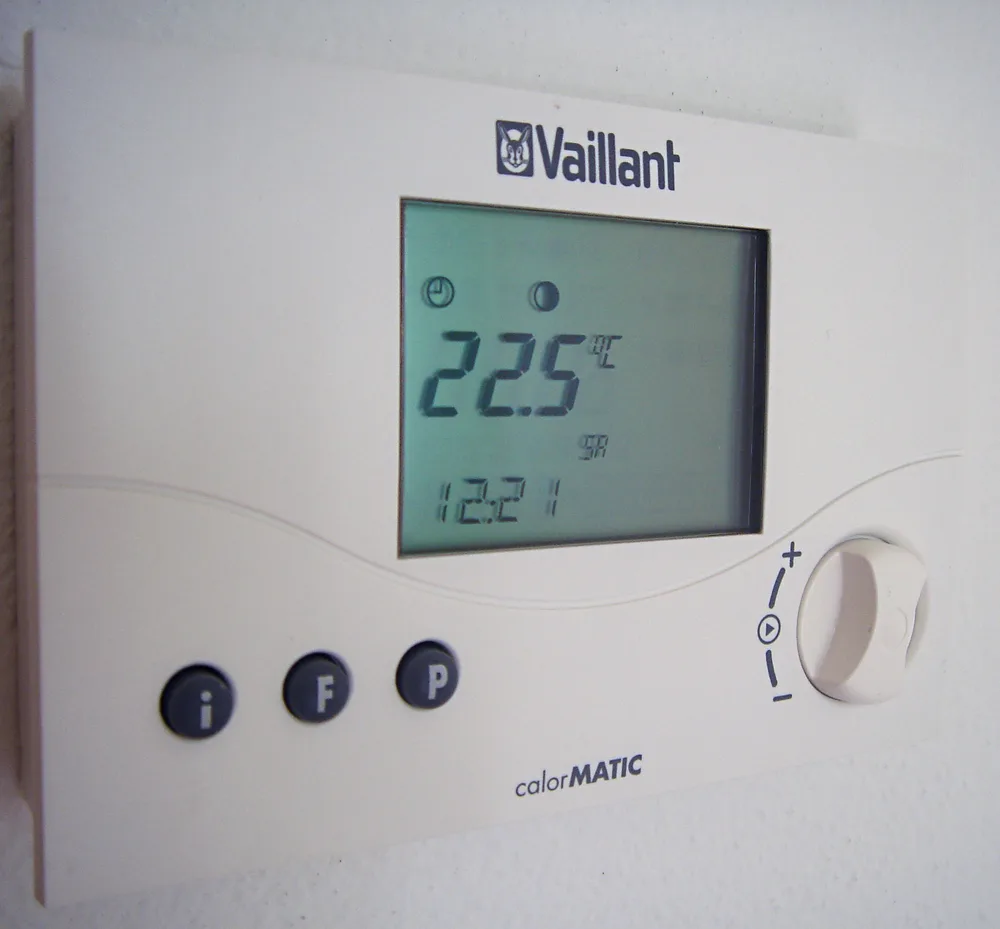
Some products offer switching, some provide energy information, and features need verification for the exact model. Do not assume that a power button implies a useful energy record. The meter photograph displays current, illustrating why units matter when monitoring is offered. Ask whether the output is instantaneous power, accumulated energy or a cost estimate based on an entered tariff. The thermostat photograph shows a different control purpose again. A smart plug is not presented here as a substitute for the documented controls of fixed heating equipment or another specialised system.
Ask about ordinary use and interruptions
Before purchase, ask how manual control works and what functions depend on a phone, account, network or remote service. Check the documented behaviour after an interruption and how updates or support are handled. These are product questions, not claims that all smart plugs behave alike. Consider whether everyone who needs access can understand the arrangement. Keep the original appliance instructions available, and do not use automation to bypass them. A convenient app interface is only one part of a complete and suitable control arrangement.
Keep the outcome measurable but modest
Our sources were reviewed on 2026-10-27. No depicted product has been tested by Watt & Window, and no fixed savings percentage is promised. If the intended task is suitable and supported, record the actual scope and any observations separately from purchase expectations. Include the accessory's own documented requirements in your comparison rather than treating it as an invisible addition. This guide supplies a selection brief, not electrical or installation instructions. The best outcome may be a documented useful task, a simpler existing control or a decision that the accessory is unnecessary.
Australian Government — Appliances ? Australian Government — Smart homes ?