Ask what happens when a connected control goes offline
Check local operation, account access and support before relying on a connected energy control.
Updated:
Ask what connected actually means
A connected control may rely on several parts: the physical device, a local network, an account, an app and a remote service. A product description that simply says smart does not explain which part supports each function. Begin with the tasks you need and ask how each one works. Australian Government smart-home guidance discusses connected systems and compatibility. Use that context to request exact product documentation rather than assuming every control has the same dependencies. A clear answer should distinguish ordinary local operation from functions that require additional services.
Build a function-by-function table
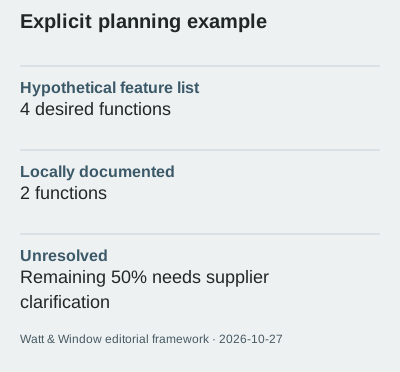
List manual operation, schedules, remote access and any monitoring you want, but verify whether the actual product supports each feature. In an invented shortlist, 4 desired functions are listed and only 2 have documented local operation. The remaining 50% is unresolved information, not a prediction that the device will fail half the time. Keep the supplier's answer beside each function. If a feature depends on a service, record that explicitly. Do not treat an appealing demonstration video as documentation of behaviour when a connection or account is unavailable.
Check access for the people who use the home
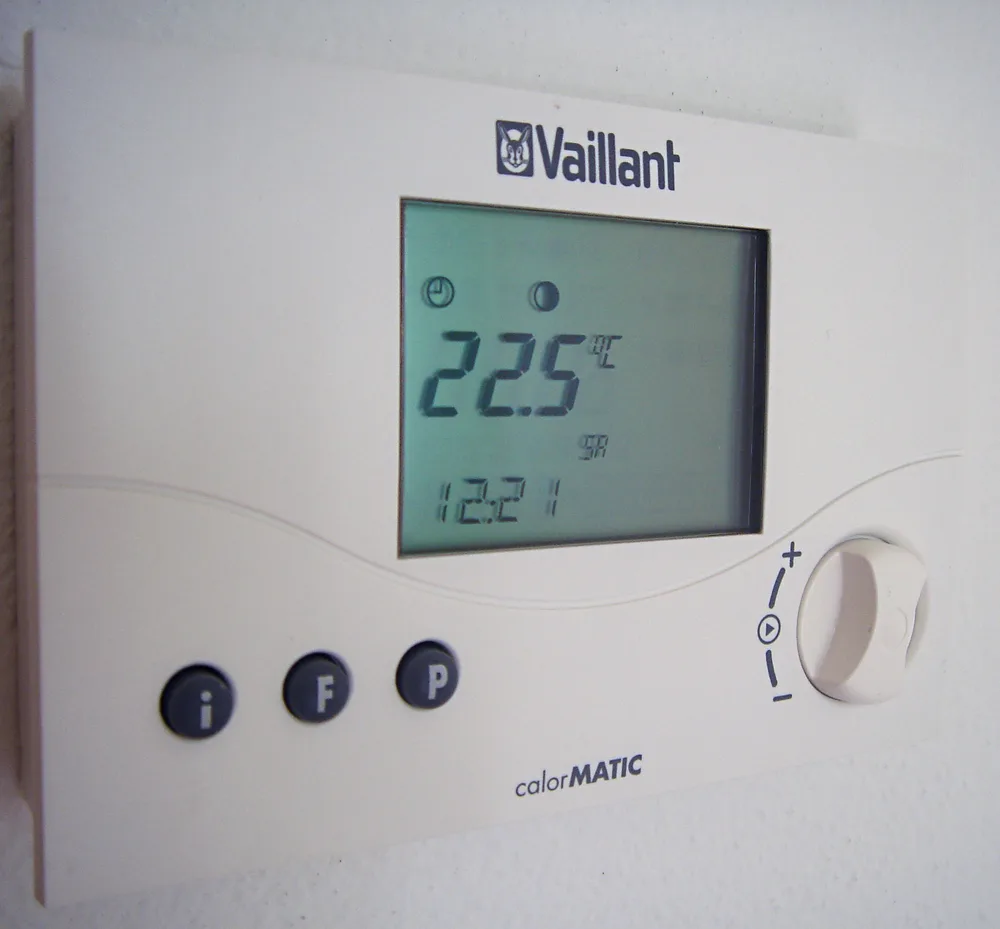
Ask who will own the account and how other household members use the controls. Check the documented process for changing access, replacing a phone or handing over the product when circumstances change. Do not store passwords in a shared product-comparison sheet. The thermostat photograph shows a physical interface, reminding you to ask what can be done at the device itself. It does not prove that any particular model works without internet access. Keep accessibility and ordinary use in the brief alongside the more eye-catching remote features.
Keep monitoring history and control separate
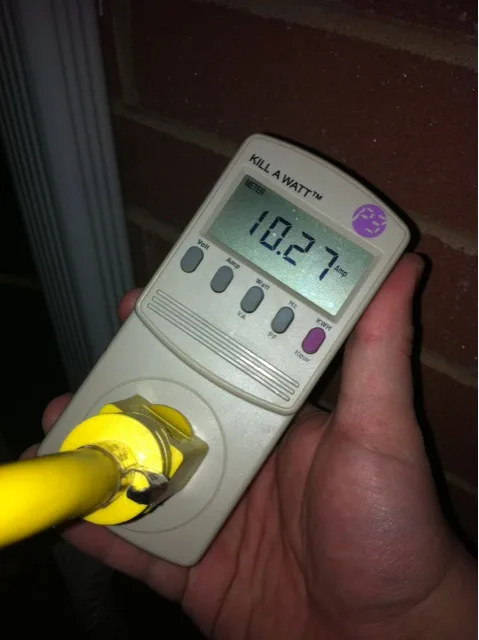
A device may retain one kind of information while depending on a service for another function. Ask what history is available, whether it can be exported and what happens when an account or subscription changes. The meter photograph shows a single electrical reading; a screenshot is not the same as a retained energy dataset. The smart-plug photograph shows another physical product format and does not establish software support or Australian suitability. Verify each claim for the exact model and service rather than transferring expectations from one device to another.
Read the support terms before the purchase
Request current information about updates, support channels and any subscription requirements. Record the date and source of the answer. If the seller cannot explain a feature that matters to you, keep it marked as uncertain rather than inventing a fallback. Do not test interruption behaviour by disconnecting essential equipment or altering systems outside their instructions. Where a control is part of fixed heating, electrical or other specialised equipment, ask the appropriately qualified provider to explain supported operation and recovery. Convenience should not depend on an undocumented workaround.
Choose an arrangement you can explain
Our source review date is 2026-10-27. No device shown here has been tested for offline behaviour, and no universal statement about cloud reliability is made. The useful output is a short description of which functions work where, who can access them and what support is documented. Save that description with the exact product and service terms. A simpler arrangement may meet your needs, or a connected feature may justify its requirements. Either decision is easier to defend when the dependencies are explicit before the product becomes part of daily household use.