Write a useful heating and cooling schedule brief
Make an occupancy and control brief that explains your household routine without claiming a universal energy-saving schedule.
Updated:

Write the routine before programming anything
A control schedule is easier to discuss when it starts as a household routine rather than a row of guessed settings. List when rooms are normally occupied and who needs to use the controls. Include variations such as working from home or visitors. This is a planning exercise, not an instruction to switch essential equipment or impose a particular temperature. The purpose is to make the existing system and its supported controls easier to understand. Keep the manufacturer instructions available and ask the relevant professional about anything the system documentation does not make clear.
Separate occupancy from system runtime
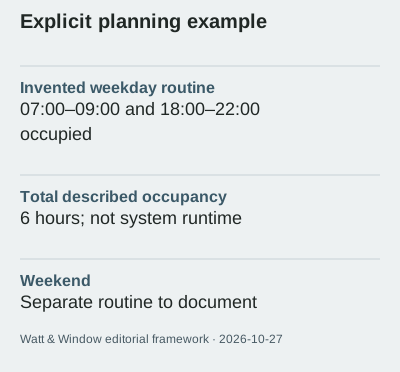
Consider an invented weekday with occupancy from 07:00 to 09:00 and 18:00 to 22:00. That describes 6 hours in a room, not 6 hours of measured compressor or heater operation. A thermostat setting, an occupied period and actual electricity consumption are different observations. Do not multiply a nameplate rating by the occupancy period and present the answer as a bill prediction. If you make a simplified calculation for comparison, label every assumption and retain its limitations. The diary is most useful when it avoids making the equipment appear simpler than it is.
Describe rooms and supported zones
Give each room a clear name and note whether the present system documentation identifies separate zones. Do not assume a new app can create independent control where the installed system does not support it. Australian Government guidance places heating and cooling decisions in the context of the building and climate. The external-shading photograph is a reminder that room conditions also relate to the building around the controls. It is not evidence that a schedule can compensate for every issue. Record persistent concerns as questions for assessment rather than repeatedly changing settings without a clear record.
Plan for exceptions and shared use
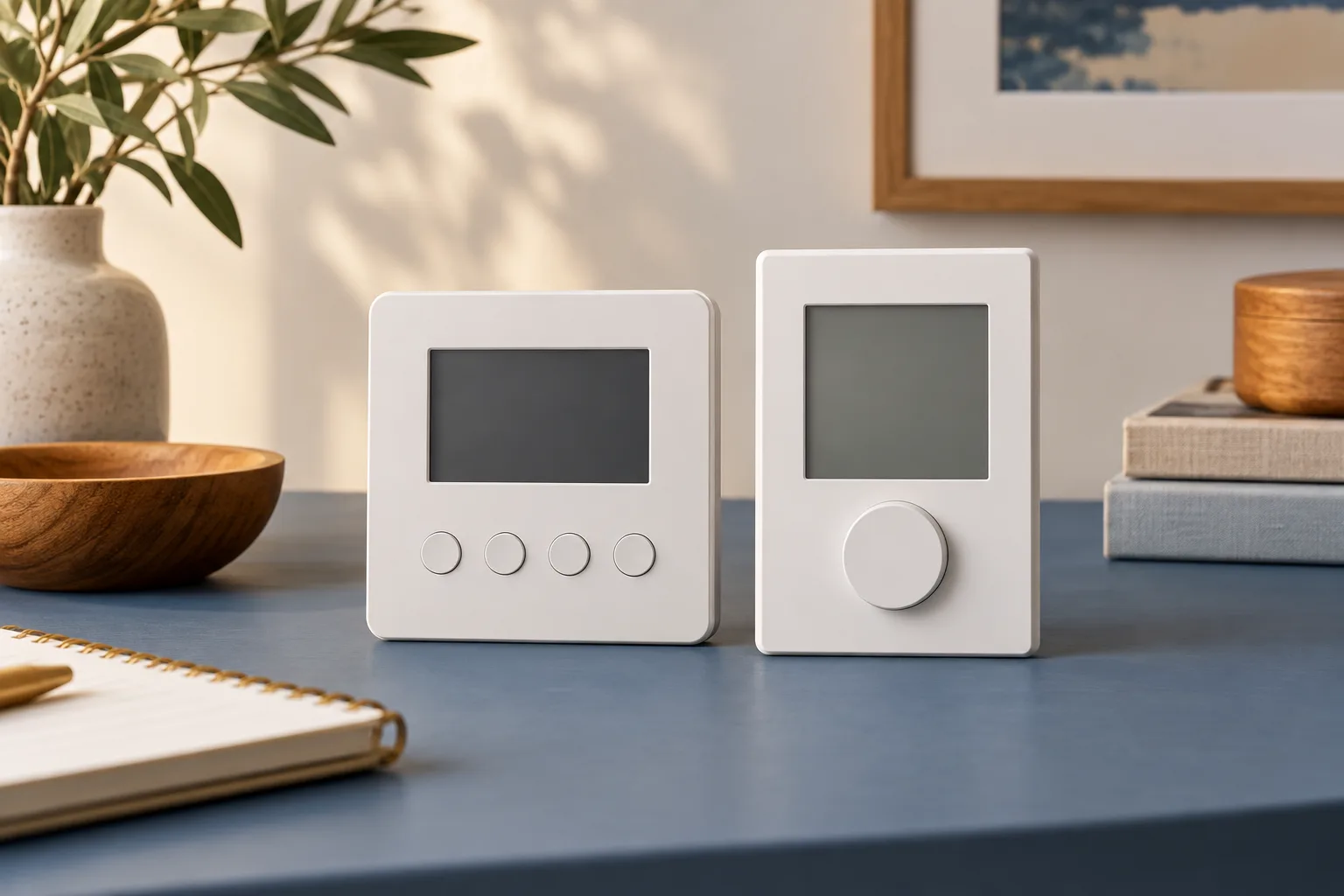
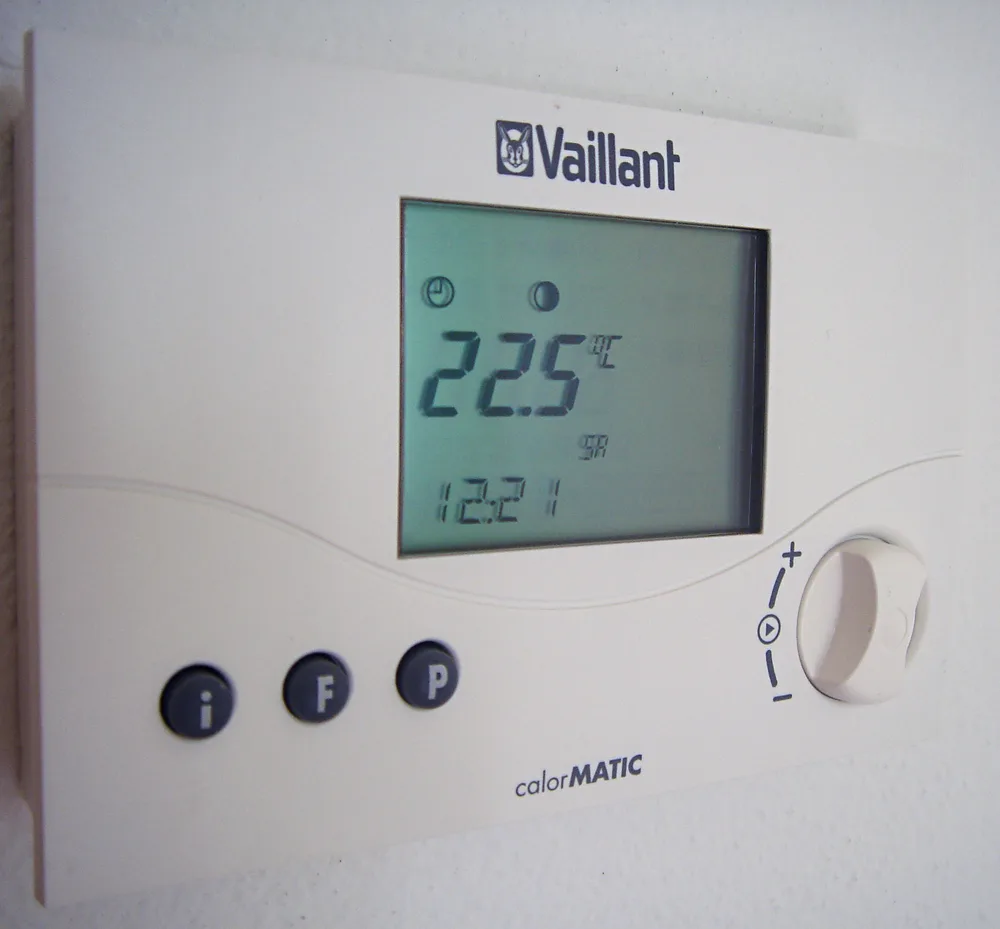
Ask household members how they would recognise the current mode and make an ordinary manual change. Include a simple explanation of where the instructions are kept and who can access a connected account. A schedule that is difficult to understand may be repeatedly overridden, making later observations hard to interpret. Keep exceptions visible in a diary instead of calling every deviation an error. The real thermostat photograph shows one style of interface, but your own controller may organise functions differently. Use the correct manual rather than copying button sequences from a picture.

Check what an energy observation can establish
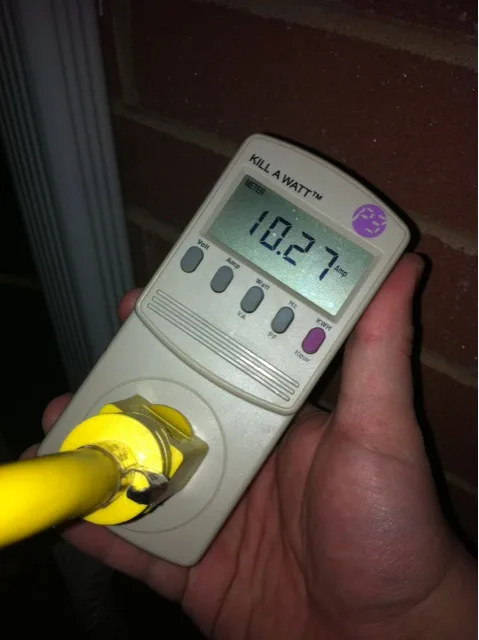
A meter reading can help describe consumption over a defined period, but it does not automatically isolate the effect of a schedule. Weather, occupancy, appliances and system behaviour can all differ between periods. A hypothetical 10% change in a total reading is not proof that scheduling caused a 10% saving. Record the dates and relevant circumstances, and avoid changing several things at once if your aim is to understand an observation. The meter photograph shows a current reading, illustrating why the unit and duration must be identified before making a comparison.
Use the brief in a support conversation
Bring the routine, system model and unresolved questions to the installer or service provider. Ask which scheduling functions are supported and how to return to ordinary operation using the documented controls. Our source review date is 2026-10-27; product-specific instructions must be checked separately. This guide does not prescribe a comfort setting, health-related temperature or universal operating schedule. Its output is a clearer conversation about the equipment you have. Keep any later changes dated so that a helpful adjustment remains understandable to the next person using the system.
Australian Government — Heating and cooling ? Australian Government — Smart homes ?